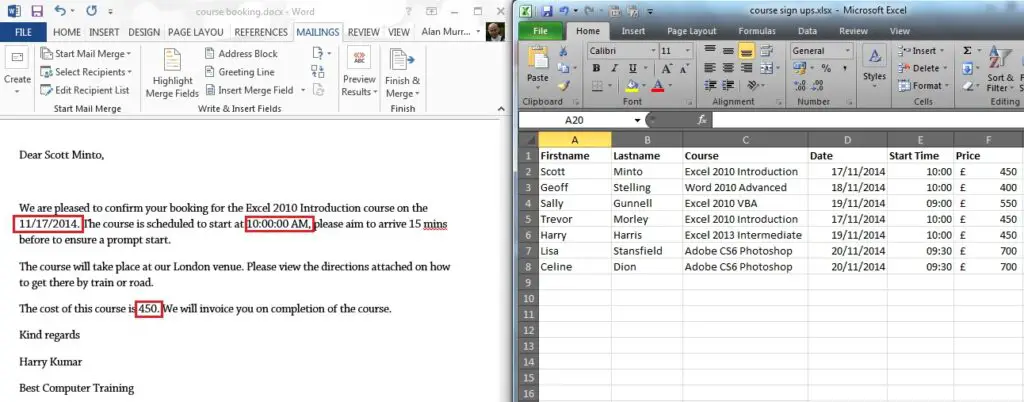
You may be familiar with Conditional Formatting in Excel. Well, Conditional Formatting can also be applied to fields in Word.
Now, Word does not have a Conditional Formatting button like in Excel, but you can write an IF function in the field and format the true and false responses. This will create the perfect Conditional Formatting behaviour.
In this example, Mail Merge is being used to inform members of how many points they have earned this week. If the number of points is greater than 20, I want the number formatted in red, and if not formatted in black.
The name of the Mail Merge field we need to edit is number.
[Read more…] about Conditional Formatting with Mail Merge Fields in Word